Watch a real session
Thirty-four seconds, start to finish: paste a script, match your pace, present, and pick it back up from any app.
The newsroom trick, minus the rig
Television presenters have read from a prompter on the camera since the 1950s. It is why they look straight at you. Cue does the same job with one quiet window under your webcam.
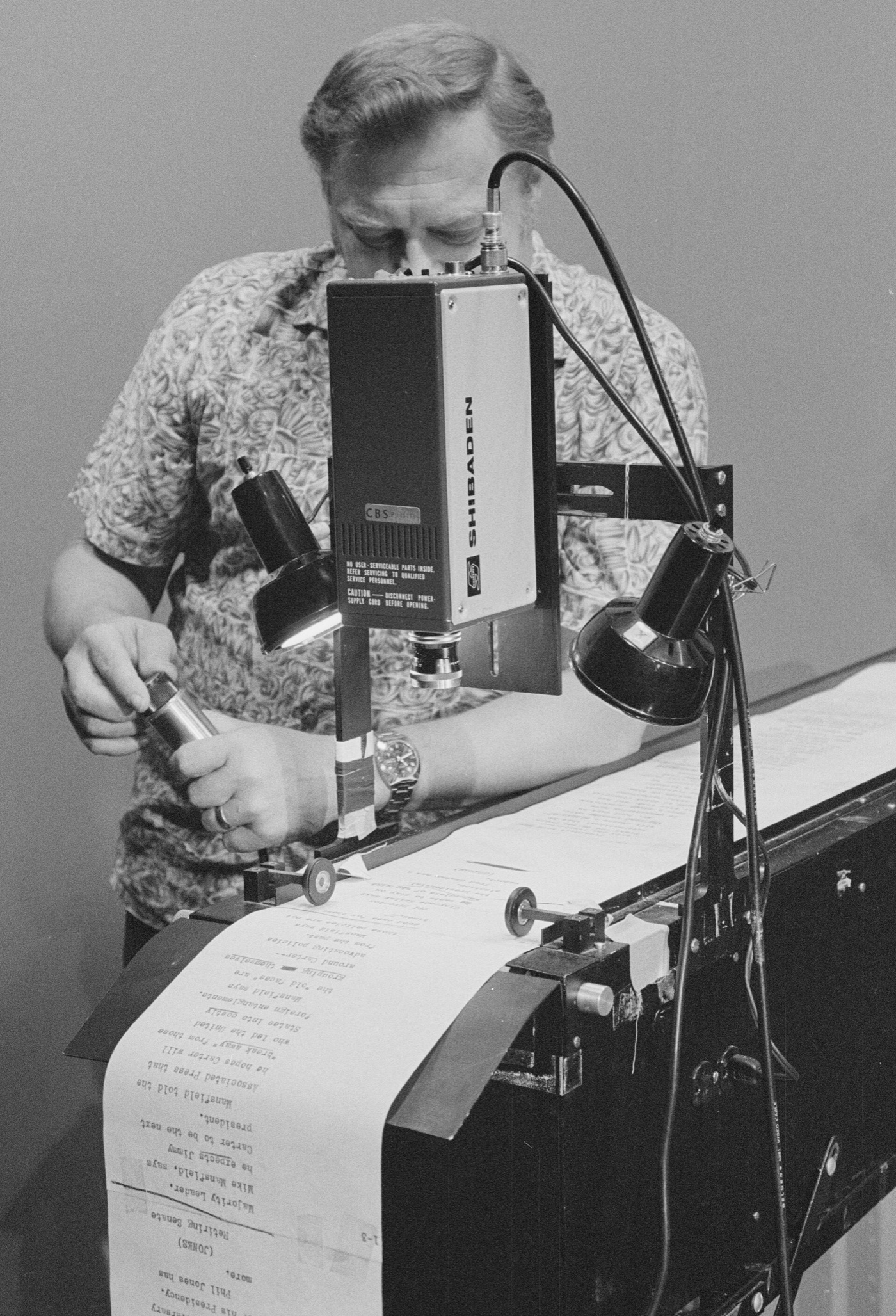
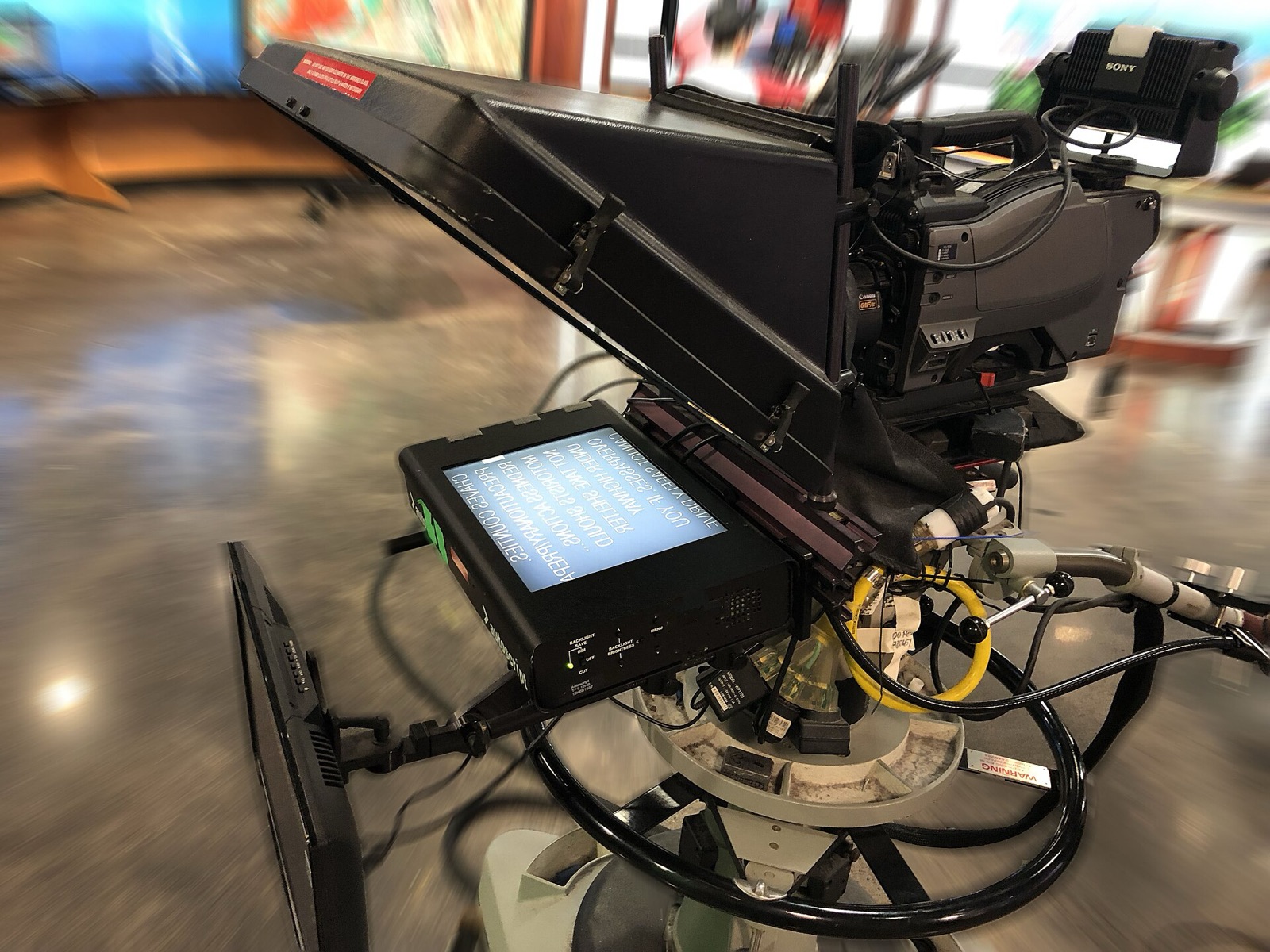
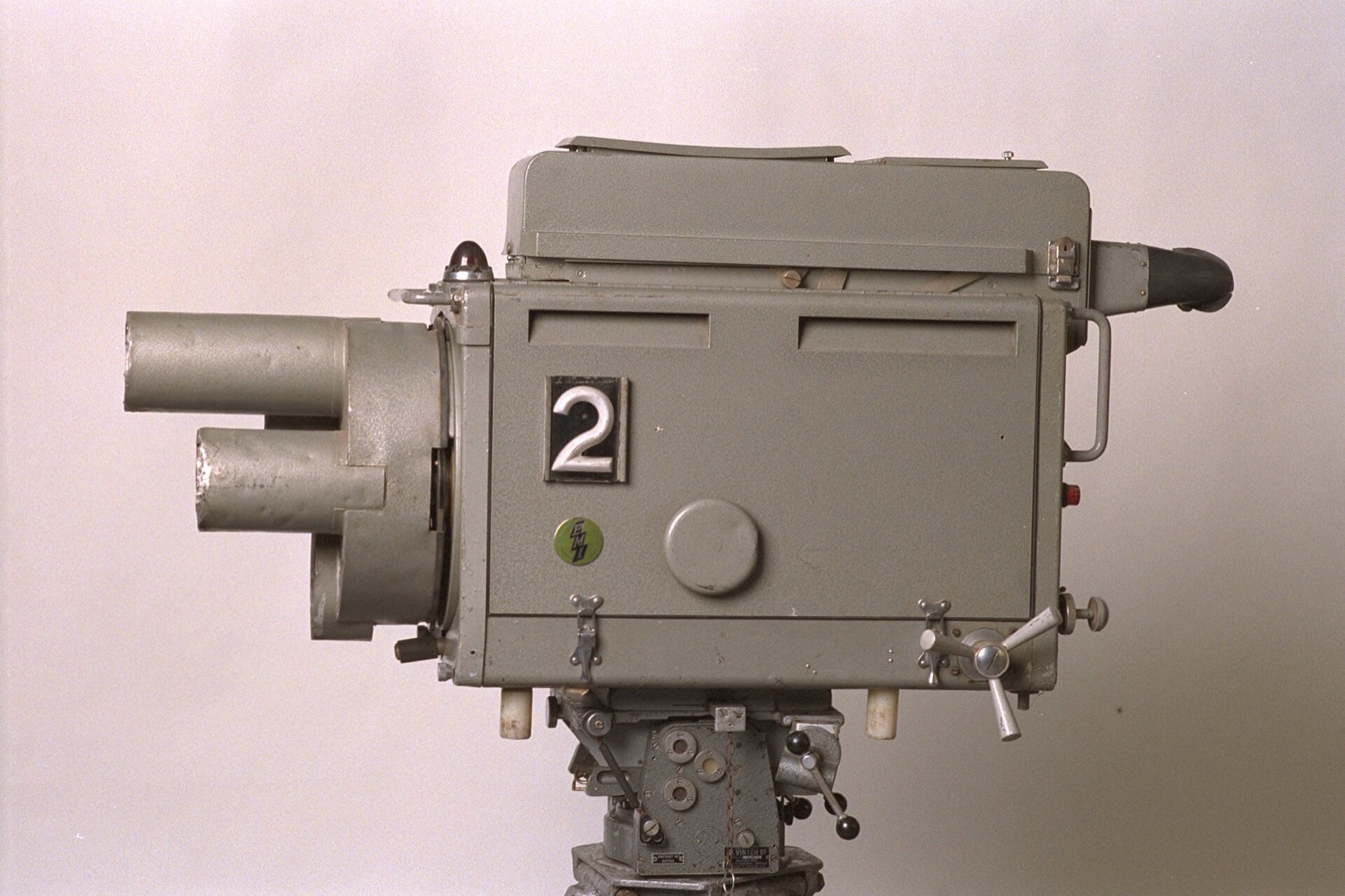
You see your script.
Flip the switch to share your screen. Cue keeps its window out of screen capture, so the call and the recording get your slides, never your script.
- Hidden in Zoom screen shares
- Hidden in Loom recordings
Three steps to go live
First, paste your script.
33 words · matches your pace
Then, set your pace in words per minute.
Finally, press ⌘↩ and look up.
Every setting, before you start
- Honest timingScroll time next to speaking time, and one click to match them.
- Text size that keeps paceBigger text scrolls faster, so your words per minute stay the same.
- Shortcuts from any appHold ⌥ Option: ⌥Space pauses even while Zoom or Keynote is in front.
- PreviewWatch the scroll at your real speed and size before you go live.
- Speed in wpmSet the pace in words per minute, the way you think about talking.
- CountdownThree or five seconds to settle before the first line moves.
Questions
Is it really invisible when I share my screen or record?
In Zoom and Loom, yes. We shared the whole screen in Zoom and recorded it with Loom, and Cue appeared in neither. It works because Cue asks macOS to leave its window out of screen capture. Each app still decides how it captures, and macOS 15 and later changed how capture works, so Meet, Teams and newer macOS versions haven't been confirmed yet. Before an important talk, do a ten-second test; if Cue ever shows up, share a single window instead of the whole screen.
Can I control it without clicking on it?
Yes. Hold Option (⌥) and use the same keys as in the prompter: ⌥Space pauses, ⌥↑ and ⌥↓ change speed, and ⌥← jumps back. They work while Zoom, Meet or Keynote is in front, with no extra permissions. If Raycast or Alfred already uses ⌥Space on your Mac, switch pausing to ⌃⌥Space under More in the dashboard.
What if I lose my place?
Scroll on your trackpad to drag the script back, or press ⌥← from any app. Pressing R jumps to the top, and pressing it again within four seconds takes you back to where you were.
Which Macs does it run on?
Any Mac with macOS 14 Sonoma or newer, Apple Silicon or Intel. The download is a 434 KB zip.
Why does macOS warn me when I first open it?
Cue isn't notarized by Apple yet, and macOS checks every app downloaded through a browser. Installing with the Terminal command skips that check, because files fetched by Terminal aren't marked as downloaded. With the zip, right-click Cue and choose Open the first time on macOS 14, or use Open Anyway in System Settings, Privacy & Security on macOS 15 or newer.
Does my script leave my Mac?
No. Cue has no account and makes no network connections. Your script and settings are stored on your Mac.
What does Mirror do?
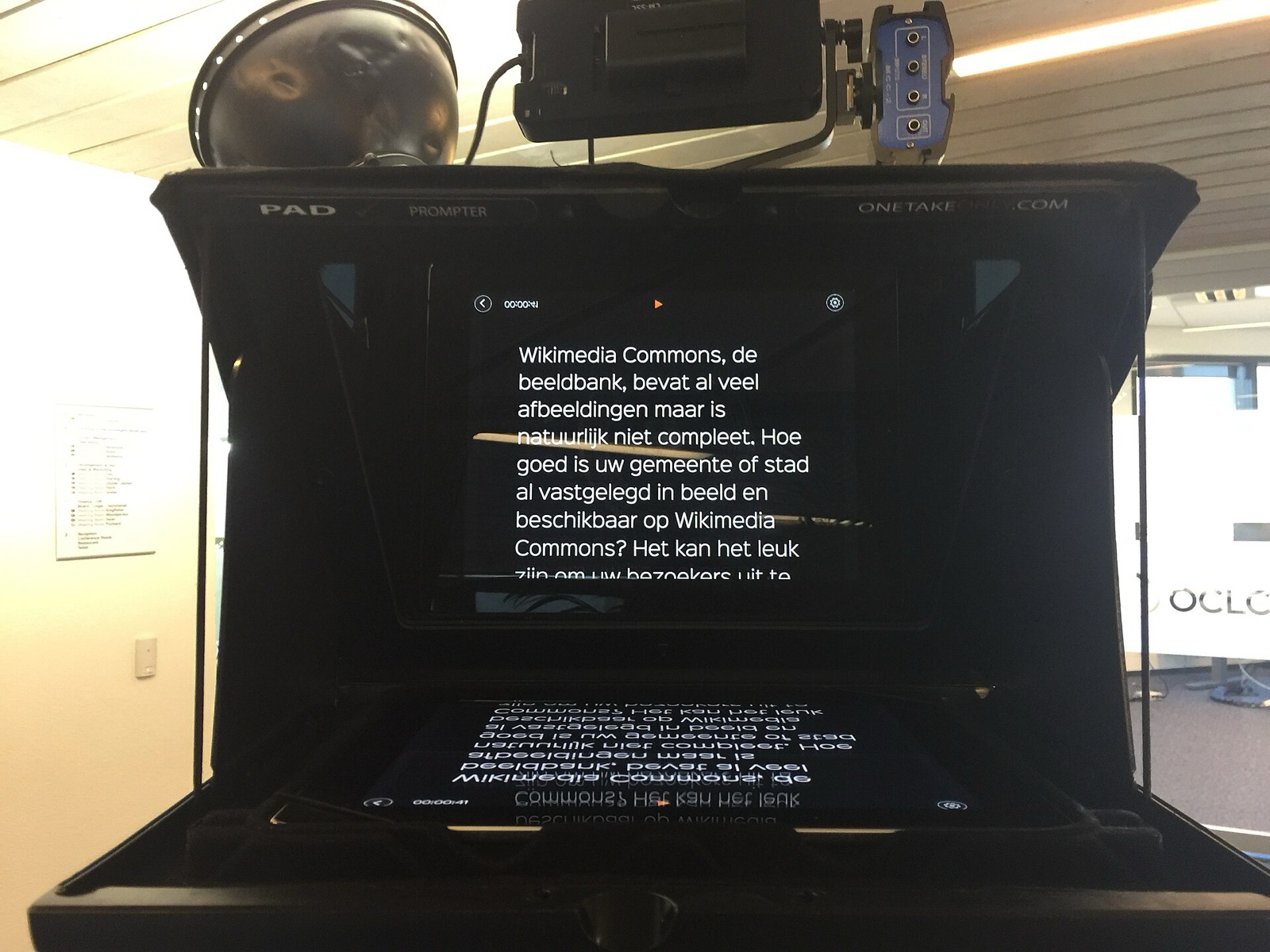
It flips the text for beam-splitter glass rigs, where the script is read in a reflection. With a webcam you can leave it off.
Is it free?
Yes. Download it, use it, keep it.
Look up.Read on.
Paste one line into Terminal and Cue lands in your Applications folder and opens, with no security prompt. Prefer a normal download? The zip is one tab over.
Install Cue
Open Terminal, paste this, press Return:
curl -fsSL https://YOUR-SITE/install.sh | bashIt downloads Cue, puts it in Applications and opens it. Nothing else is installed and no password is asked. Read the script.
Opening Cue the first time
Cue isn't notarized by Apple yet, so macOS asks before the first launch.
macOS 14: in Applications, right-click Cue, choose Open, then Open again.
macOS 15 or newer: open Cue once, then go to System Settings → Privacy & Security and click Open Anyway.